Playing with OpenShift

Openshift is a Platform As A Service offering from RedHat, and has been there for a while now. It never really came up in my radar for some reason. Fortunately I took a dive into it last week and have really liked the whole service so far.

I chose the free accounts of course, since I’m the only one who visits my own site and I really don’t need to scale to the point where I’ll need the premium offerings. The free plan comes with three small ‘gears’, which is a container that comes with 512 MB RAM and 1 Gig of space. Into this, one can slot a cartridge.. which is basically a stack for a Programming language like Perl, or a DB like MySQL.
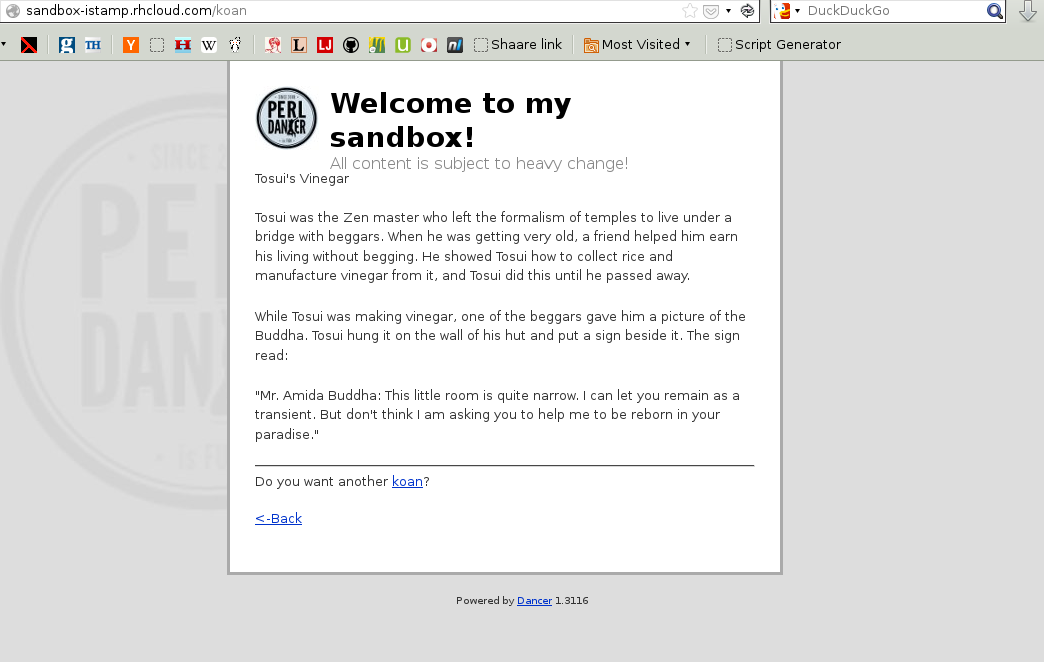
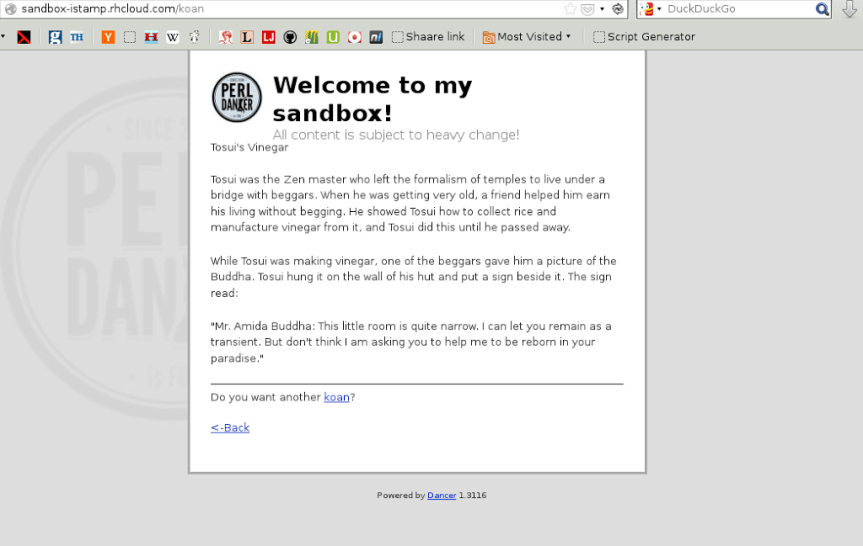
sandbox

I’ve kicked off with just one gear for now: I’ve wanted to try out Perl Dancer and this was just the opportunity I was looking for. There were straightforward instructions in the OpenShift docs, and I had an application deployed and ready in just a few minutes post-signup.

I spent another hour or so figuring out how Dancer did it’s magic, and have made trivial modifications in the router, views and templates to understand things better. I have a PerlBrew setup locally. Together with cpanm, I can install stuff on my laptop that is in sync with what is deployed on OpenShift’s cloud.

Here then is my first foray into web application development. I don’t expect the content or the layout to stay the same for long. Currently I have used Zen::Koans to print a random koan each time a particular page is queried.


Parse crontabs in DuckDuckGo

My favourite search engine recently released a way to create and add plugins to their zeroclick info box. There are some good examples and a starting guide in the DuckDuckHack website. I checked out their Ideas page and picked up something that looked useful and fairly easy to implement: parsing a crontab into a human readable output.

Implementing it took about a day, and showed me how insanely useful CPAN is. The DDG folks were nice enough to add unit tests and tweak the code a bit, and have now released it on their website.

ddg-crontab-thumb-500x86-18

Learning Javascript with Codecademy

This has been making the rounds lately, and I decided to sign up and give it a whirl — a website called Codecademy that teaches Javascript by throwing you into a terminal so you can practise the commands yourself.

Similar to Khan Academy (and a lot of games), the site implements achievements to reward one’s progress. Mine can be seen in my profile page. It didn’t take too long to finish both the lessons that are currently available. It does look like they plan to implement more exercises soon, so that’s good news.

The hands-on approach works great for programming languages, and it is implemented pretty nicely in this site. I’m looking forward to see new languages in the same format — this is the kind of thing I’d happily pay for.

Some new programming books

O’Reilly has a nice 50% sale going on for their ebook catalog, so I went ahead and got a few. I didn’t want anything overly technical, since I’ve got an increasingly large pile of those in my hands these days. I searched for some books that I could read in the short bursts of free time I get in-between tasks, and decided to buy these:

Algorithms in a Nutshell
Beautiful Code
Masterminds of Programming

Maybe I’ll put up reviews once I finish them.

Getting started with Arduino

My Arduino kit finally came today, and I’ve played with it a few hours so far. For someone not very comfortable with the hardware side of things, I found it remarkably easy getting basic functionality working on it.

With the help of some very useful tutorials, I was able to create a simple tool: a photocell+LED setup that lights up the LED whenever the room goes dark, and switches itself off when the room brightens.

Here’s what it looks like:

And here is the code to make it happen.

Getting rid of old feeds

So. I’m learning Perl and needed a simple project to test out. My rss2email list has more than a 100 feeds that are checked hourly. Unfortunately I have no way of knowing which feeds are broken, or no longer being updated. That seemed like a simple enough thing to test out. Enter check_feeds.pl. This simple script accepts a single file as input (the file contains rss feeds, one per line). Running it gives a list of broken feeds, and those that have not been updated in the past two months.

I used XML::Feed to fetch and parse the feeds. It did crash on at least a dozen feeds in my list, so I regrettably had to comment them out for now. Future versions should fix this to make it more usable. Here is what a sample run looks like:

thaum ~/code/perl$ ./check_feeds.pl feedlist.txt
Feeds older than60 days  are:
http://teddziuba.com/atom.xml
http://feeds.feedburner.com/emacsblog
http://emacs.wordpress.com/feed/
http://acmel.wordpress.com/feed/
http://feeds2.feedburner.com/LinuxSystemAdminsBlog
<snip>

Dead feeds that could not be read are:
#bad#http://www.debian.org/News/weekly/dwn.en.rdf
#bad#http://stevehanov.ca/blog/index.php?atom
#bad#http://www.nintendolife.com/feeds/reviews
<snip>

And here is the actual file itself.
Update: Ok, I finally signed up on GitHub, so the script is available there as well. Hopefully a few months down the line the quality of my code will improve :)
Related articles


Enhanced by Zemanta