I wanted to install Hack recently, and this is how I did it:
Make a folder and dump the .ttf files there:
mkdir -p /usr/share/fonts/hackThen run this:
fc-cache -f -vI wanted to install Hack recently, and this is how I did it:
Make a folder and dump the .ttf files there:
mkdir -p /usr/share/fonts/hackThen run this:
fc-cache -f -v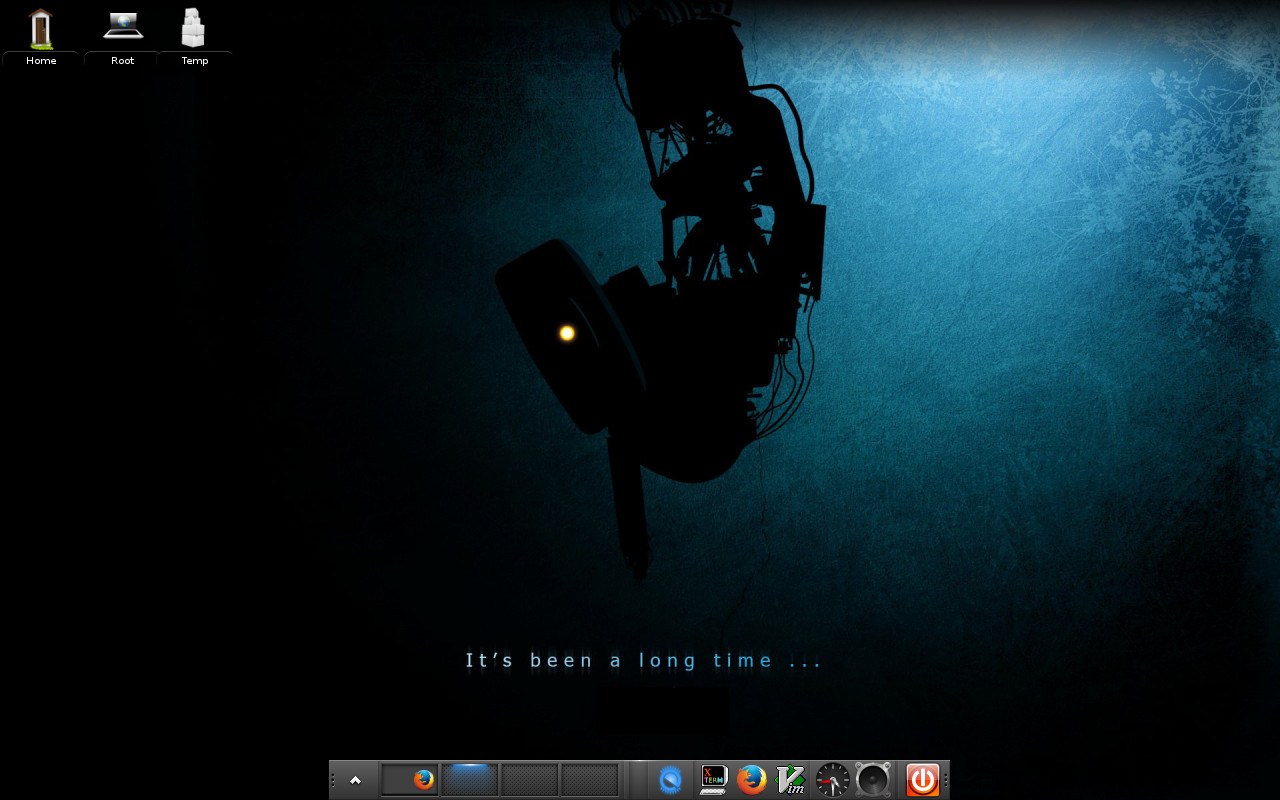
Testing the Enlightenment Window Manager on my low end Fedora laptop.. and seriously impressed with it.
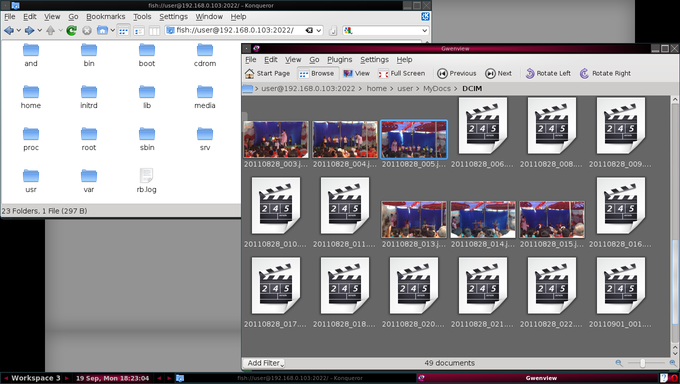
I was cleaning up and backing some pics on my phone, and needed a quick way to view and delete a bunch of them. Well I’m on linux, and KDE has always had an amazing suite of applications, so it was no surprise that there was an easy way out. Konqueror supports the ‘FISH’ protocol to transparently handle files over ssh. I just had to enter
this:
fish://user@192.168.0.103:2022
And I get a perfectly normal konqueror window that shows all the files on my phone 🙂
This is what it looks like:
I haven’t got the fastest of machines, so Desktop Environments like Enlightenment & KDE, although incredibly cool, are out of the question for my day to day use. In my quest for a lightweight WM, I have tried Fluxbox, WindowMaker, Fvwm, and a few others. All of these are really neat in their own ways, but the one I finally ended up settling with is Ion3.
Here’s a screenshot of my desktop running Ion3:

That’s all it looks like! Some things that make it stand apart from most other WMs are:
The nice thing about it is that it doesn’t stubbornly stick to its principles at the cost of usability: if you want floating windows for certain apps (Gaim and the Gimp come to mind), you can do that too. It’s only the default behaviour that uses tabbed windows. One of the first things I did was to change the keybindings: the defaults are F1, F2, etc which conflict with Midnight Commander’s keys. So everything on my Ion is Mod4+F1, Mod4+F2, etc (where Mod4 is the Windows key).
Ion uses a scripting language called Lua for a lot of things (forgive me for being hazy here, I’m kinda blank in these areas). So the point is that you don’t even need to such things to get comfortable with it. Install with it, fiddle around (F1 throws the man page by default), just give this window manager a try: its worth the minimal effort!
For no particular reason, I was trying to figure a way to make my wallpaper switch randomly on each startup. After some brief googling around and some experimentation, I came up with this brief script that does the work just nice. (Alright, it may not be the neatest, fastest, or easiest way of doing it, but its the first thing that came in my mind. Hope it helps.)
Well before that here’s the list of assumptions: I use bsetbg for setting the wallpaper. You might want to use fbsetbg, fbsetroot or whatever. Also, I’m picking up the images from a folder in ~/pictures/recent. You might want to change that one too if you want to use the same script. And finally, I use Fluxbox, so I just need to mention this script in Fluxbox’s startup file to make it run each time. You’ll have to do similar stuff depending on your Window Manager, or just run a cron job or something.. So alright, here’s the file:
#!/usr/bin/bash
#randwall.sh: Randomly sets wallpaper each time it’s run#Count how many images are there in my folder..
WCOUNT=`ls -1 ~/pictures/recent/* | wc -l`;#Generate a random number within that range..
num=$[ ( $RANDOM % $WCOUNT ) + 1 ];#Pick up that particular image..
MYPIC=`ls ~/pictures/recent/* |sed -n ‘ ‘$num’p ‘`;#and set it as the wallpaper!
bsetbg $MYPIC;
Update: I know, I know, I’m a real idiot. I just found out you can do the exact same thing using fbsetbg -r folder-name. Oh well, at least it was useful learning about $RANDOM and all..


