Python square root algorithm

I’m learning Sedgewick’s Algorithms and the examples are all in Java. So I’m converting them to Python for my own understanding.
Here’s the first example I came across in the first chapter, for finding a square root:
def sqrt(i):
    if i<=0:
        return None
    x = i
    e=1e-15
    while (x-i/x) > (e):
        x=(i/x+x)/2.0
    return x
In [30]: sqrt(4)
Out[30]: 2.0
In [31]: sqrt(9)
Out[31]: 3.0
In [32]: sqrt(142857)
Out[32]: 377.96428402694346
I ought to raise an Exception instead of returning None in the beginning. My maths skills have turned painfully rusty — it took me a good 5-10 minutes of reading the example in the book before I understood that it worked, after which I wrote this version without too much trouble.

Hopefully I’ll stick with this project through to the end.

Basic Twisted echo server

Nothing mind blowing here. I’m playing with Python’s twisted engine, and here is a slightly modified server from their home page example:

from twisted.internet import protocol, reactor
 
class Echo(protocol.Protocol):
    def dataReceived(self, data):
        newdata = 'reversed: ' + ''.join(reversed(data.strip())) + 'n'
        self.transport.write(newdata)
 
class EchoFactory(protocol.Factory): #build an Echo object for each connection
    def buildProtocol(self, addr):                                                                                      
        return Echo()
 
reactor.listenTCP(8000, EchoFactory()) #register a callback
reactor.run()

Run the script and telnet to port 8000 of this box. This is what it looks like:

Connected to erdos.
Escape character is '^]'.
hello
reversed: olleh
reverse this!
reversed: !siht esrever

The example is also here, with a more detailed explanation of the basics.

The API reference helps to see what methods need to be implemented while sub-classing one of its classes.

Python for day-to-day tasks: the webbrowser module

auto

An initiative at work requires me to analyze a large spreadsheet of data. One of the columns contains a csv-separated list of bugs that I need to take a look at. Normally, this would be a painful job of copying each defect and pasting it in the browser repeatedly. When hundreds of rows needed analysis, each involving multiple defect IDs,  I switched to python to ease my pain.

I knew where to look because of this cute easter-egg in python:

import antigravity

The help text for this module led me to the library, c:python33libantigravity.py in my case. The webbrowser module imported here showed how easy it is to launch a browser tab by passing a URL from python:

import webbrowser
import hashlib

webbrowser.open(“http://xkcd.com/353/&#8221;)

This was all I need for my job as well. I wrote a 10 line script that basically:

  1. asked the user for input (in my case a comma separated list of defects),
  2. converted the input to a list and stripped unneeded whitespace,
  3. iterated through this list and appended the defect ID to the base URL, and
  4. called the webbrowser module to open the tabs.

The resulting script looks like this:

import webbrowser

bugs=input(‘Paste the list of bugs:n’)
buglist=bugs.split(‘,’)

for i,x in enumerate(buglist):
buglist[i]=x.strip()

for i in buglist:
url=”+i+”
webbrowser.open(url)

And that’s it! A half-dozen tabs open immediately and I can move on to analyzing them. Python has proved to be a boon in my daily job for quick and dirty scripts like this.

Turtle Power

Thanks to this great website, I’ve been having some more fun with Python.  I’m now in the chapter on Recursion, which introduces Python’s Turtle module. Turtle is an implementation of Logo, a language I remember playing with happily in my younger years. What you can do with it in Python is quite amazing sometimes.  There are some demo scripts that come pre-installed, and can be accessed this way:

python -m turtledemo

I’ve still not wrapped my head around the more complex ones, but the Sierpinski example in the tutorial is a nice start. I learned from their example and wrote my own (fairly similar) version. The result looks pretty nice:

sierpinski

A couple of weeks back I wouldn’t have been able to come up with something like this at all, so I’m pretty happy with what I’ve learned so far.
Below is the script. Just pasting it in a python3 prompt should suffice.

import turtle
def drawTriangle(points, color, t):
    t.fillcolor(color)
    t.penup()
    t.goto(points[0][0],points[0][1])
    t.pendown()
    t.begin_fill()
    t.goto(points[1][0],points[1][1])
    t.goto(points[2][0],points[2][1])
    t.goto(points[0][0],points[0][1])
    t.end_fill()
def findMid(p1,p2):
    return( (p1[0]+p2[0])/2, (p1[1]+p2[1])/2 )
def sierpinski(points,depth,t):
    colormap=['purple2','tomato2','khaki3','gold','orchid','spring green','turquoise']
    drawTriangle(points,colormap[depth-1],t)
    if depth>1:
        sierpinski([points[0],findMid(points[0],points[1]),
                    findMid(points[0],points[2])],depth-1,t)
        sierpinski([points[1],findMid(points[1],points[2]),
                    findMid(points[0],points[1])],depth-1,t)
        sierpinski([points[2],findMid(points[2],points[0]),
                    findMid(points[2],points[1])],depth-1,t)
def main():
    t = turtle.Turtle()
    myWin = turtle.Screen()
    t.speed(0)
    points=[[-300,-150],[0,150],[300,-150]]
    sierpinski(points,6,t)
    t.hideturtle()
    myWin.exitonclick()
main()

Flask trial run on PythonAnywhere

I felt it was about time I got into the web development side of Python, having learned enough of it to be dangerous. Since I moved my site to a PaaS, I wanted a quick and dirty alternative Python host that was easy to set up and use. Enter PythonAnywhere. This seemed to fit my immediate needs, as the site provides web-based bash, python and ipython shells for free users. They support both Python 2 and 3, so I went with the latter.

Next up, Flask. Their quickstart tutorial was what I used as a baseline. It seemed easier to start with than heavier alternatives like Django. Although the tutorial covers a minimal blog, I was able to make enough tweaks to it to get what I wanted.

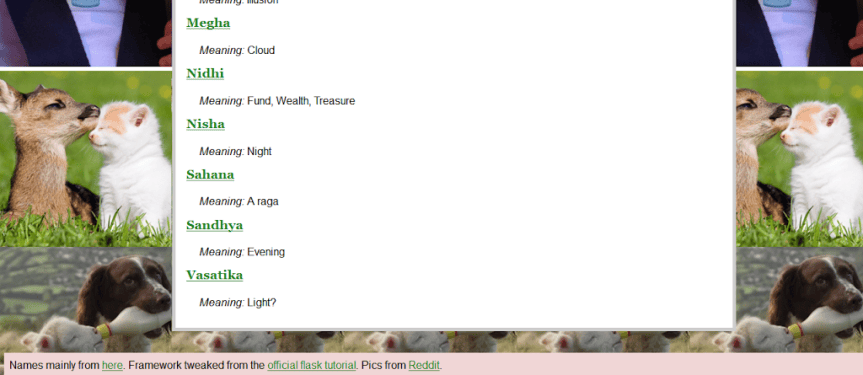
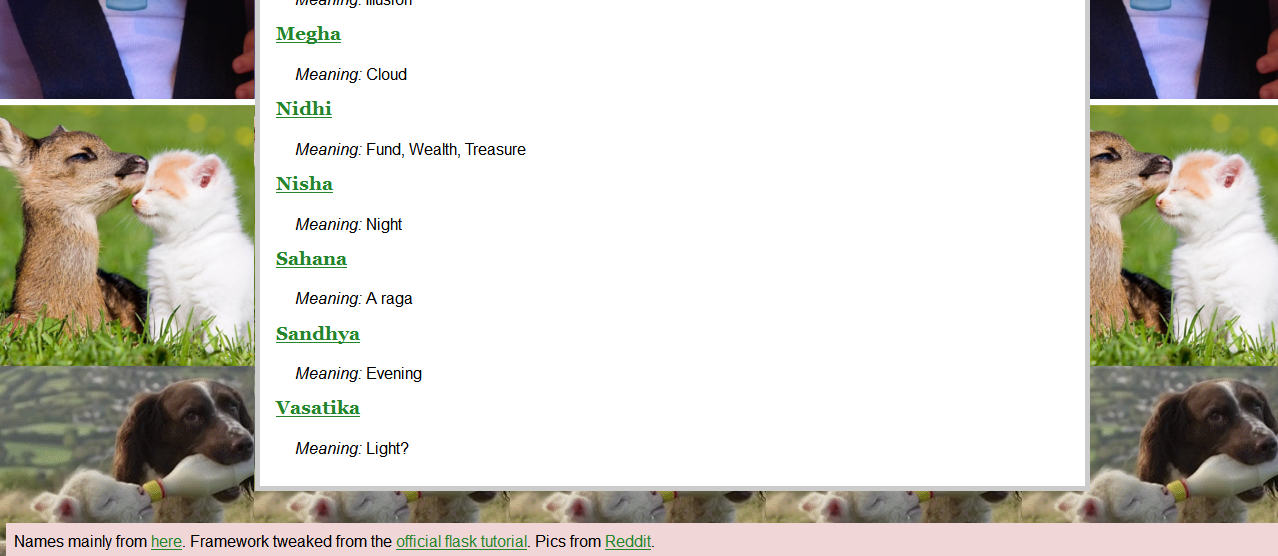
Finally, a purpose. My wife is about a month away from delivering our first baby (oh let it be a girl, please 🙂 ), so I decided to make a simple site where the two of us could enter names that we wanted, for both genders. Each entry is equivalent to a blog post in the Flask tutorial, so the underlying code remained largely the same. It was easy enough to add the rest of the parts I needed. Here then is what it ended up looking like, and here’s a screenshot if I end up taking down the site later:

babynames

PythonAnywhere turned out to be a great experience. The founders were friendly enough to exchange a couple of mails directly, which was a fresh change from the noreply@website.com welcome mails that other sites favour. Getting the site up from my local test setup was a simple matter of ftp’ing a tar file over and extracting it.

Overall it took me less than half a day to get everything up, and another few hours of tweaking to add cute pictures and stuff.

Fetch unique words in a web page (in 7 lines of Python)

I got a chance to enroll for some Python training at work and had a nice time with it. I’ve tried getting into other languages myself before, and this has been my freshest experience so far. The three days of training were enough to show me how insanely easy it is to get productive in Python.

A quick example we saw was to:

  • Get the contents of a web page, and
  • Find all the unique words in it.
This simple example introduces the usage of lists, sets, modules and loops. The code looks like this:

import urllib2
words=[]
for line in urllib2.urlopen(‘http://slashdot.org&#8217;):
    words.extend(line.split(‘ ‘))
print ‘number of words is’, len(words)
uniq=set(words)
print ‘number of unique words is’, len(uniq)
That’s it! The whole job takes only eight lines. Running it gives an output like this:
C:Python27mypy>19.py
number of words is 13297
number of unique words is 3672

The first line imports the urllib2 module. 
The next line initializes an empty list.
The third line is where most of the magic happens. A for loop iterates over a list returned by urllib2 when we ask it to open Slashdot’s home page. For each line, we split the content into individual words and append it to our list.
That gives us all the words in the page, which we print.
Python supports a set data structure that we copy this list to, which ends up removing recurring elements automatically (since sets support only unique elements).
And that’s it, we’re done. Of course there is always more to do beyond this (such as in not counting html tags), but this was probably my favourite example from the course that captured how easy it was to get seemingly complicated tasks done in Python.