Got a new VPS

I’ve noticed I’ve been pretty bored these past few months, and the most noticeable culprit has been the VPS that I stopped using some time back. I used to enjoy installing and trying out new web applications and servers. So I decided to get another one. This time I went with an OpenVZ server instead of Xen, and the provider I picked was Iniz, who I came across in this roundup at LowEndBox. The server is pretty neat, with 2GB RAM and 100GB of disk space. I’ve decided to go with CentOS, since I like Fedora/RedHat already.

It’s been a day since it was provisioned, and I feel the old skills returning: securing ssh, configuring iptables, installing postgres, setting up cron jobs, and so on. This blog will (as usual) probably be wiped out or moved to something on the server. Other webservices that I’ve been using (NewsBlur, Pinboard) will also probably move to self hosted equivalents (TTRSS, Shaarli).

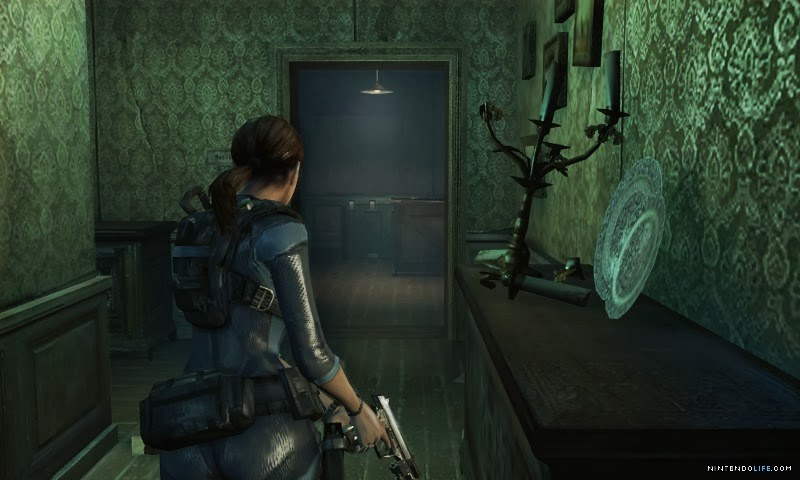
Resident Evil Revelations Review

I bought this game from the eShop some time back and then forgot about it when I got some newer ones. I’m glad I went back to it though, because this was a thoroughly enjoyable experience.

My only previous experience with the franchise was with Resident Evil 4 on the Wii. Although it was fun, I hated how frequently I ran out of ammo or health. I gave up around when a chainsaw-wielding maniac became an insurmountable obstacle. Since I’m mostly a casual gamer, I was glad that Revelations had a casual mode that removed these frustrations. The story is convoluted and does not merit too much attention. Plot summaries are shown when you load a save file, and were a nice touch since I picked up the game after long gaps.

re

The graphics are insanely good though, and this is probably the prettiest game I have on my 3DS. The pacing is great and there are long corridors that build up to a tense finale (generous item drops usually hint at a big boss fight coming up). The enemy designs are enjoyable gruesome and fun to kill. The entire game takes place on a ship and there is some back tracking that happens, but it does not become annoying. The map that is available in one of the screens certainly helps in these cases.

The story also lets you play as multiple characters and there are some parallel chapters that happen off the ship. This keeps things from becoming too repetitive.The weapons are the usual range of handguns, shotguns, and machine guns, and a nice but under-used rocket launcher that shows up for some satisfying moments. Weapon upgrades are hidden throughout the levels to upgrade the clip size, stopping power and so on.

I’m yet to play through the Raid mode (which gets unlocked as and when achievements are attained), but the story mode itself made the purchase worthwhile.

P.S. dodging sucks, I managed most of the game without it.

P.P.S.Favourite moment: MaaayDaaay!!

Explain Shell

Here’s a great site that should be in every linux user’s toolbox : Explain Shell.
It basically allows you type a command that you picked up from the web somewhere (or something burned in memory that you type out of sheer habit), and it shows what each argument to it actually does. For example, here’s a command I had to run recently that I had no clue about:

git pull -s recursive -X theirs upstream master

Paste that in the explainshell website and it coughs up a great explanation. Pretty useful when you don’t want to scroll through long man pages piecing together a particular command.

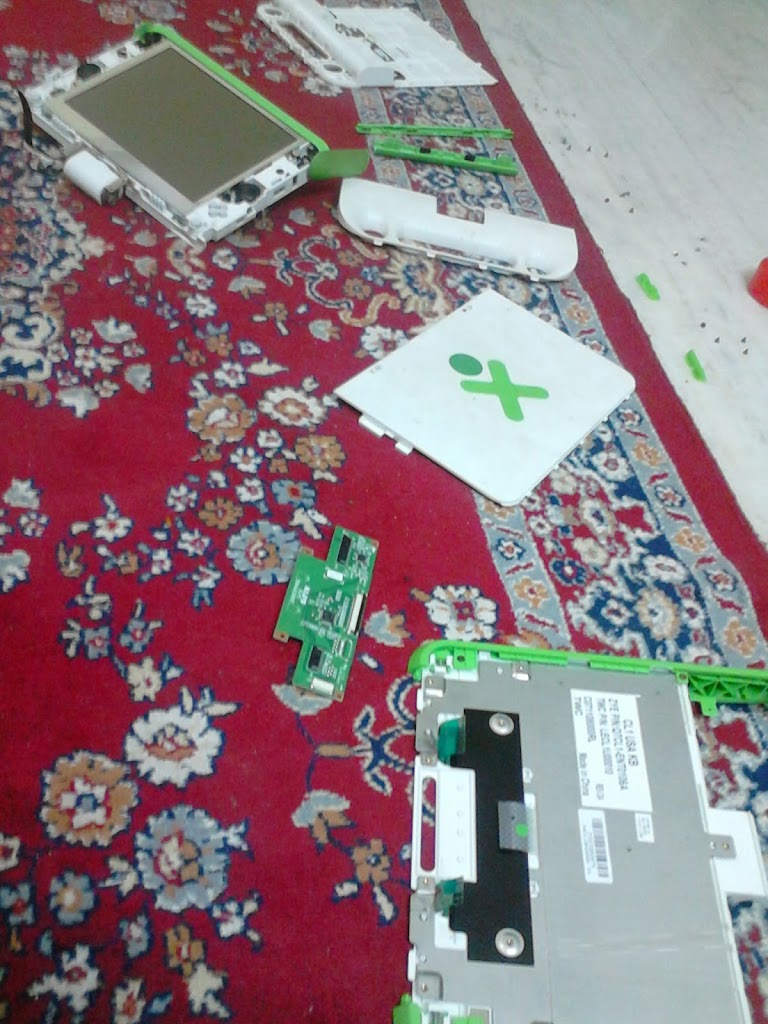
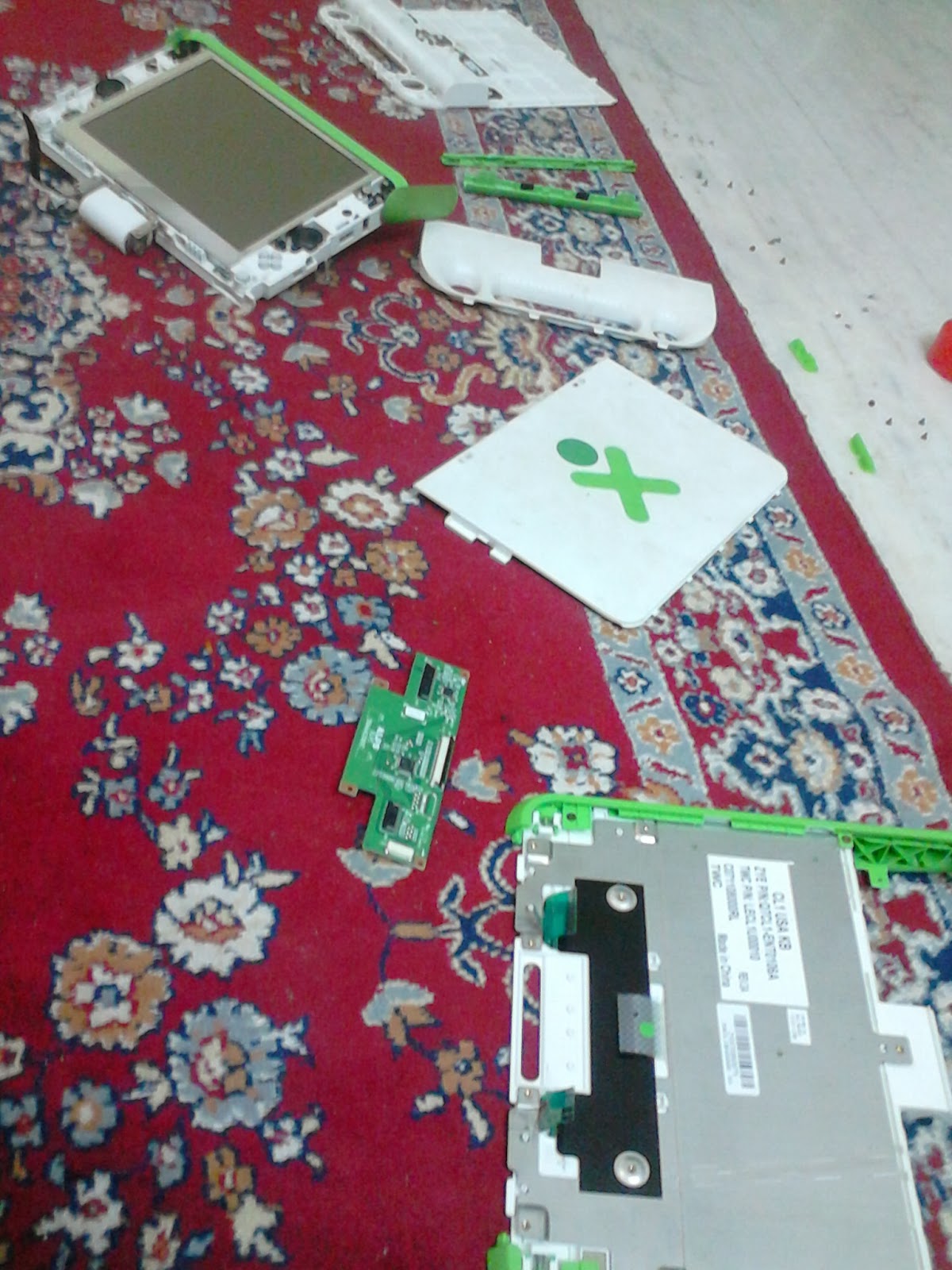
XO-1 disassembled

I got anΒ OLPC XO-1 laptop in the initial Give One Get One offer they had at launch, and sadly did not use it much since then. I powered it on last week after ages and found that it was still in great shape, and is still a beautifully designed piece of hardware. I had problems with the touchpad since when I got it, so I thought it would be a good chance to take the box apart and see if I could fix it myself. I didn’t, but I did spend a fun couple of hours disassembling and reassembling it.

xo

I also spent some time upgrading it, but hated the new Gnome. I spent more time (unsuccessfully) searching for the Settings screen than in installation. *shrug* The other things remain great: the monochrome display at lowest brightness is still great to view in sunlit areas, the OS is Fedora-based so good old yum exists for installing software, and there enough ports for SD and USB in case the humble 1GB hard disk is filling up.

Python

I’m trying to learn Python and these days and have found a ton of resources on the web and off it. First up is Learning Python, a fat book I bought a couple of weeks back. While a bit on the verbose side, it certainly seems to cover a lot of the essentials. I’ve decided to jump straight into Python 3, which this book has been updated to cover.

Although I stay away from video tutorials, I found a ton of them at pyvideo. There are several good ones on iPython there, which looks great.

Lastly there are the conferences themselves, and coincidentally, the one in India starts tomorrow! I’ve signed up for that as well and look forward to an interesting weekend.

Cleaning Up

So.. Prism was a wake up call. I’ve been looking to move to more privacy-centric sites for some time now, and this weekend I also decided to cut down on my spending at the same time. I’ve been spending close to $200 on my VPS, email hosting and domain every year. This seemed like overkill for a site that only I visited, although I found the VPS very useful for installing feed readers, analytics, and so on. Anyway, I couldn’t expect a transition to be completely pain free.

I’ve decided to cut back on services hosted in the US, so the VPS was the first to go. I’m now typing this on a free Gandi blog (who handle my domain already). I might switch over to a VPS at Gandi itself, once the dust settles down. The webmail was next: I have no complaints with Fastmail but I decided to move simply for reasons of cost. Gandi, again, has a simple mail service that I’ve switched to for now.

Both my VPS and email are paid up for a few more months so I can always switch back if the transition is too annoying. More importantly, I spent a few hours deleting my accounts in a ton of sites. Accountkiller was a very useful resource, as it tells you which sites require you to delete your data before removing the account, provides direct links to the account deletion page, and so on.