Testing the Enlightenment Window Manager on my low end Fedora laptop.. and seriously impressed with it.
Testing the Enlightenment Window Manager on my low end Fedora laptop.. and seriously impressed with it.
My laptop has been running Fedora for some time now and I like it a lot. Since it’s pretty old, I’ve always forgiven the painfully slow boot time it had. After upgrading to Fedora 20 (Heisenbug), I decided to see if I could do something about it. Turns out I certainly could.
The first step was to understand what was slowing down the booting most. systemd-analyze is a nice tool for this. I ran it like this:
systemd-analyze plot >~arun/plot.svg
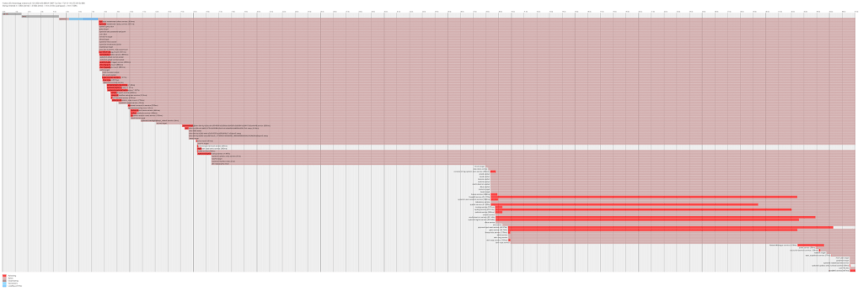
And it gave me this neat graph:
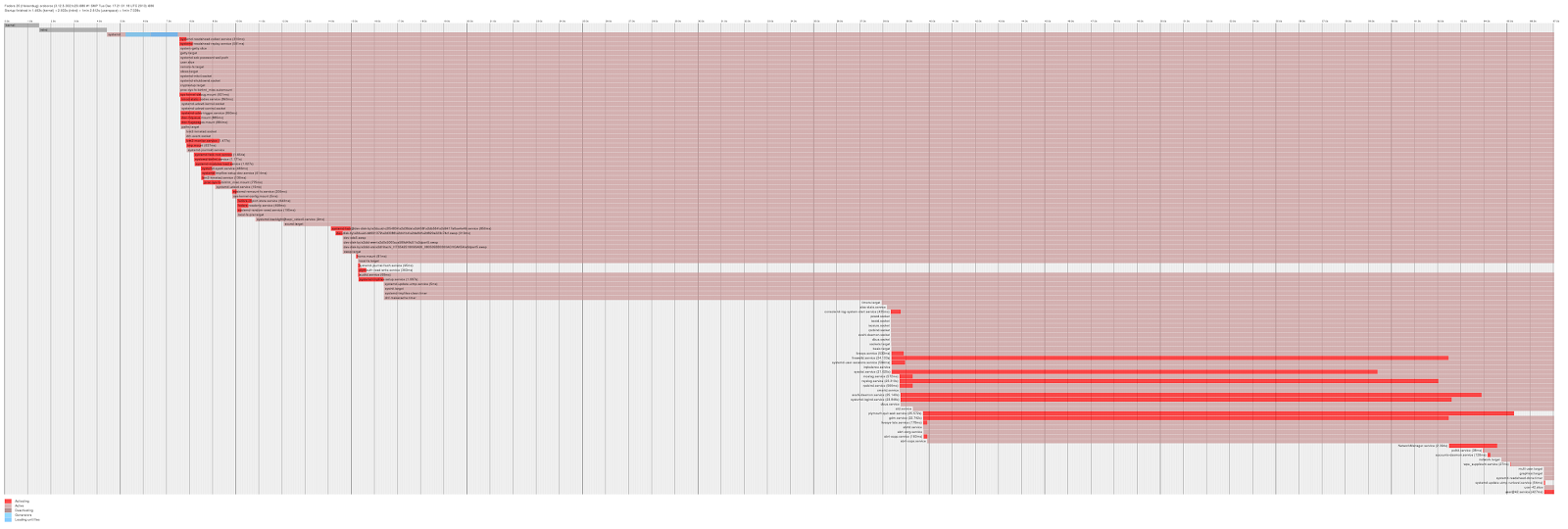
There’s a lot of stuff there that I’m not familiar with. Rather than going through each in order, I decided to wipe out a bunch of unneeded services in one go (found in this detailed guide). So:
for i in abrt*.service auditd.service avahi-daemon.* bluetooth.* dev-hugepages.mount dev-mqueue.mount fedora-configure.service fedora-loadmodules.service fedora-readonly.service ip6tables.service irqbalance.service mcelog.service rsyslog.service sendmail.service sm-client.service sys-kernel-config.mount sys-kernel-debug.mount; do systemctl mask $i; done
Firewalld seemed slow for me as well, and I didn’t need a dynamic firewall for my simple uses. I replaced it with good old iptables like this:
systemctl mask firewalld.service
systemctl enable iptables.service
systemctl enable ip6tables.service
The mask option is similar to (but stronger than) disable, and permanently disables the service. The default iptables rules disallow all incoming connections so no further tweaks were needed here.
plymouth-quit-wait-service was the next long culprit I tackled. This turned out to be a bug where a non-existent file was being loaded. The 25th comment in the link is what I used to work around it.
Finally there was one long pause that I didn’t understand (from the 15th to the 38th second in that graph). After some digging I discovered this weird snippet in journalctl’s output:
Dec 09 11:55:25 oroboros systemd[1]: Starting Trigger Flushing of Journal to Persistent Storage…
Dec 09 11:55:25 oroboros systemd[1]: Starting Tell Plymouth To Write Out Runtime Data…
Dec 09 11:55:25 oroboros systemd[1]: Starting Security Auditing Service…
Dec 09 11:55:25 oroboros systemd[1]: Starting Recreate Volatile Files and Directories…
Dec 09 11:55:26 oroboros systemd-journal[197]: Allowing system journal files to grow to 2.9G.
Dec 09 11:56:10 oroboros systemd-journal[197]: Forwarding to syslog missed 57 messages.
The snippet is from an earlier boot but the massive gap between the two messages at the end seemed indicative of the problem I was looking for. Subsequent digging revealed that journalctl was storing messages dating back several months, and had really grown in size:
journalctl –disk-usage
Journals take up 947.2M on disk.
My fix was to switch the Storage setting to volatile in /etc/systemd/journald.conf:
Storage=volatile
Since then I have reverted it to the Auto setting it had earlier, and kept saner values of 100MB each for the parameters SystemMaxUse and SystemMaxFileSize.
The final graph now looks like this:
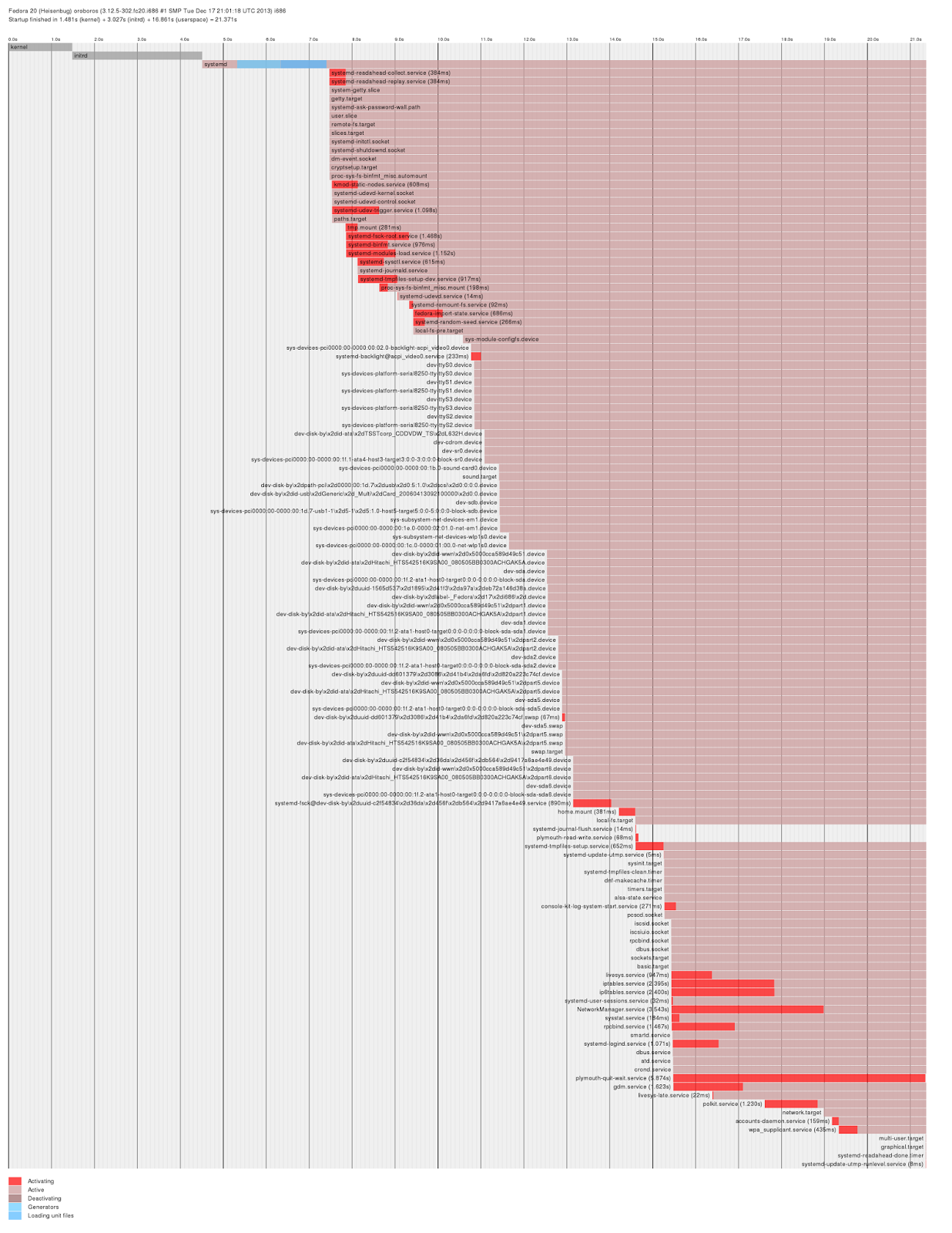
A noticeable improvement :)
Here’s a great site that should be in every linux user’s toolbox : Explain Shell.
It basically allows you type a command that you picked up from the web somewhere (or something burned in memory that you type out of sheer habit), and it shows what each argument to it actually does. For example, here’s a command I had to run recently that I had no clue about:
git pull -s recursive -X theirs upstream master
Paste that in the explainshell website and it coughs up a great explanation. Pretty useful when you don’t want to scroll through long man pages piecing together a particular command.
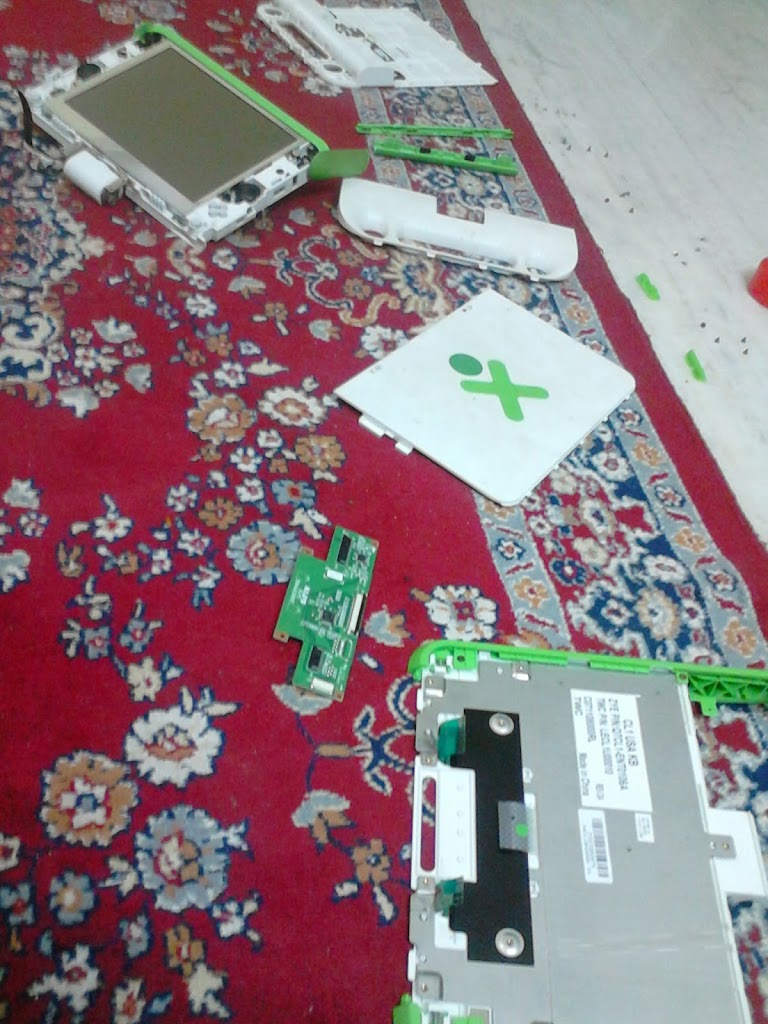
I got an OLPC XO-1 laptop in the initial Give One Get One offer they had at launch, and sadly did not use it much since then. I powered it on last week after ages and found that it was still in great shape, and is still a beautifully designed piece of hardware. I had problems with the touchpad since when I got it, so I thought it would be a good chance to take the box apart and see if I could fix it myself. I didn’t, but I did spend a fun couple of hours disassembling and reassembling it.
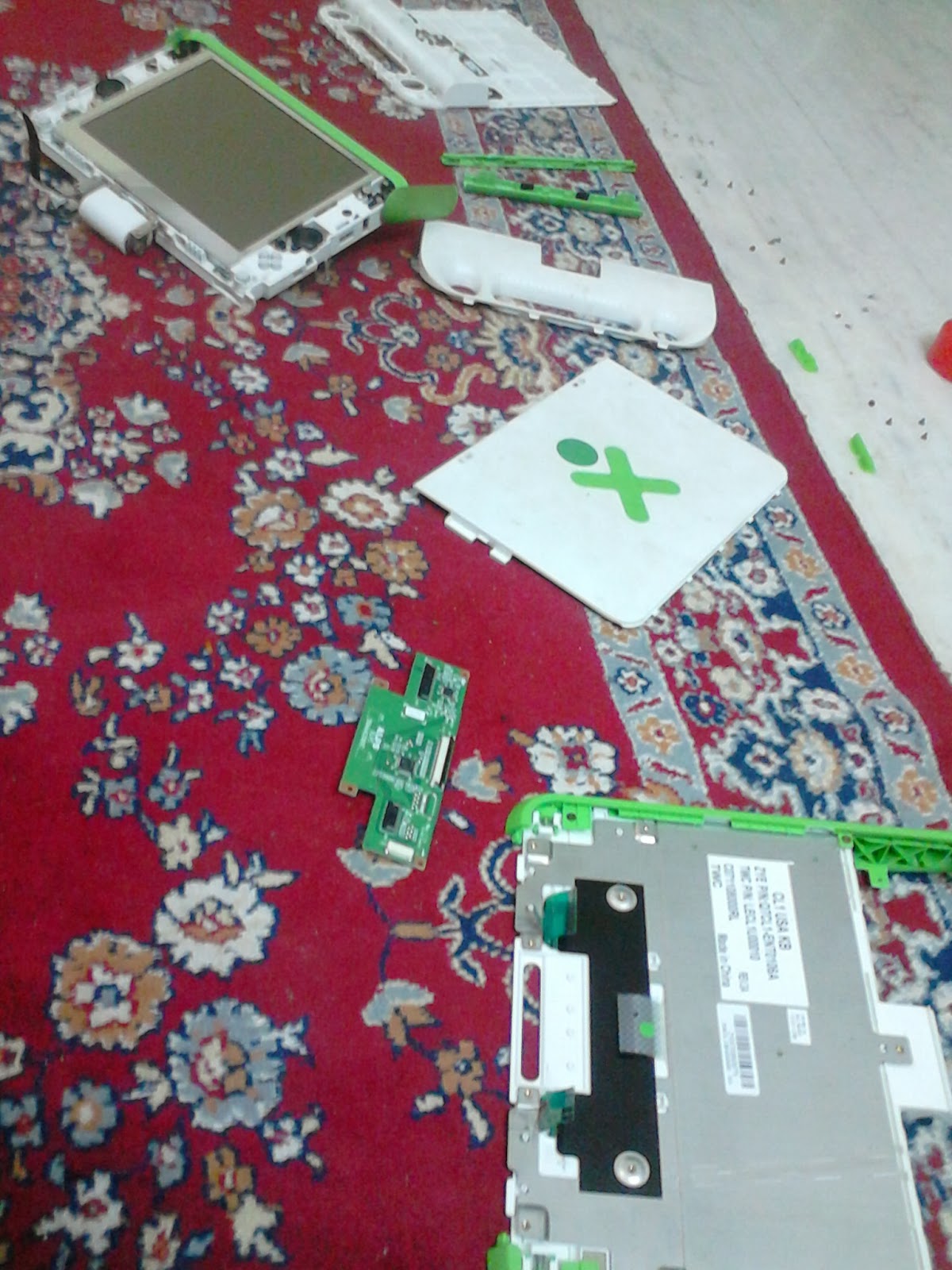
I also spent some time upgrading it, but hated the new Gnome. I spent more time (unsuccessfully) searching for the Settings screen than in installation. *shrug* The other things remain great: the monochrome display at lowest brightness is still great to view in sunlit areas, the OS is Fedora-based so good old yum exists for installing software, and there enough ports for SD and USB in case the humble 1GB hard disk is filling up.
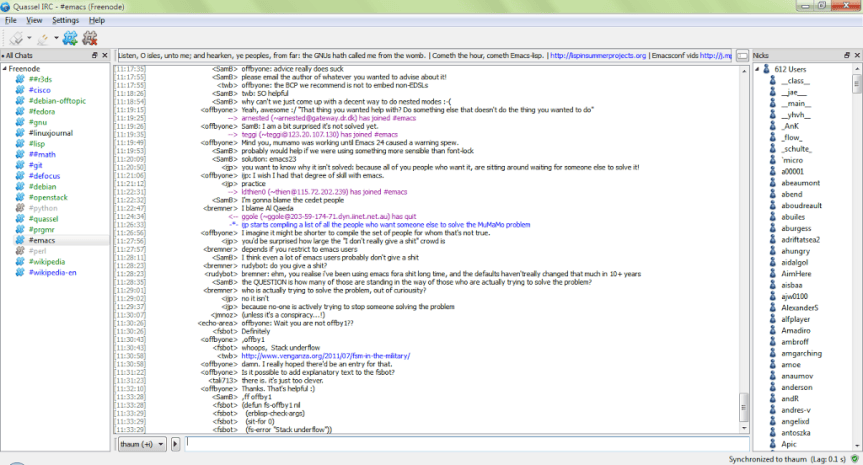
I’ve used IRC on and off in the past few years, lurking as always. The client has almost always been irssi, which I played around with again yesterday. I was happy to find an alternative, quassel that fit my self hosting, multi-platform needs even better.
Setup took about ten minutes. I only had to install quassel-core on my VPS. It’s a headless server that allows configuration from quassel-client, which you can install on GNU/Linux, Windows, or Android. The channels you join are maintained on the core, so you can disconnect and reconnect from any client and still see what went on in the interim.
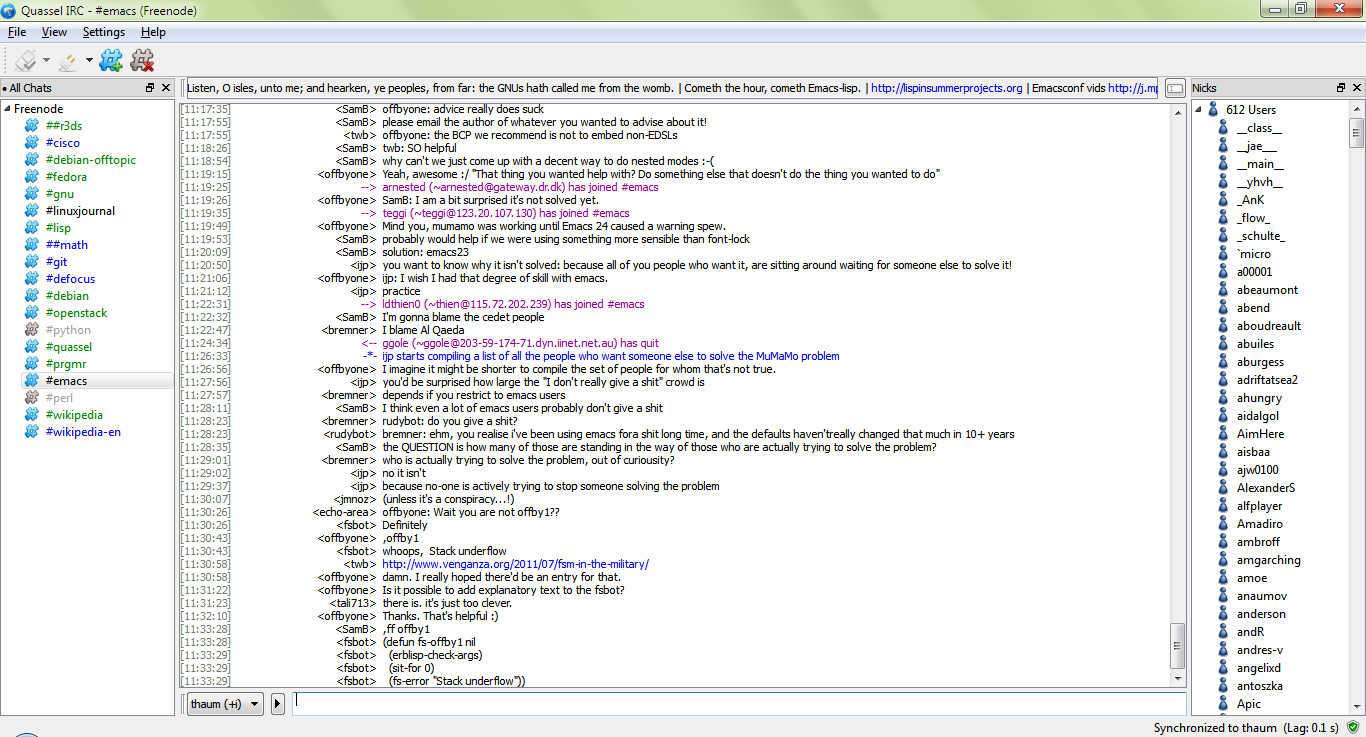
The channels I’m currently browsing are somewhat high on traffic, so it is a tiny bit distracting. Anyways, I plan to use this for a few months and see if I pick up anything interesting to try out next.
Today I re-discovered etckeeper, which allows `/etc` to be version-controlled with a VCS (git in my case). I decided to spend some time figuring it out and stop worrying about messing things up each time I wanted to experiment with something. It also hooks in to the package manager during an upgrade or install, so that’s ones less thing to worry about.
etckeeper is written by Joey Hess, whose ikiwiki platform I’m already using to power this site. Check out his neat, minimalistic setup here. His blog is always an interesting read.
It took me less than an hour to figure things out the first time. Now I have a neat setup that runs itself: each change made to one of my dotfiles or configuration files automatically pushes the changes to the backup server and keeps it in sync.
Best of all, there is no lock-in with a third party provider, and no worry about unsupported platforms.