Explain Shell

Here’s a great site that should be in every linux user’s toolbox : Explain Shell.
It basically allows you type a command that you picked up from the web somewhere (or something burned in memory that you type out of sheer habit), and it shows what each argument to it actually does. For example, here’s a command I had to run recently that I had no clue about:

git pull -s recursive -X theirs upstream master

Paste that in the explainshell website and it coughs up a great explanation. Pretty useful when you don’t want to scroll through long man pages piecing together a particular command.
XO-1 disassembled

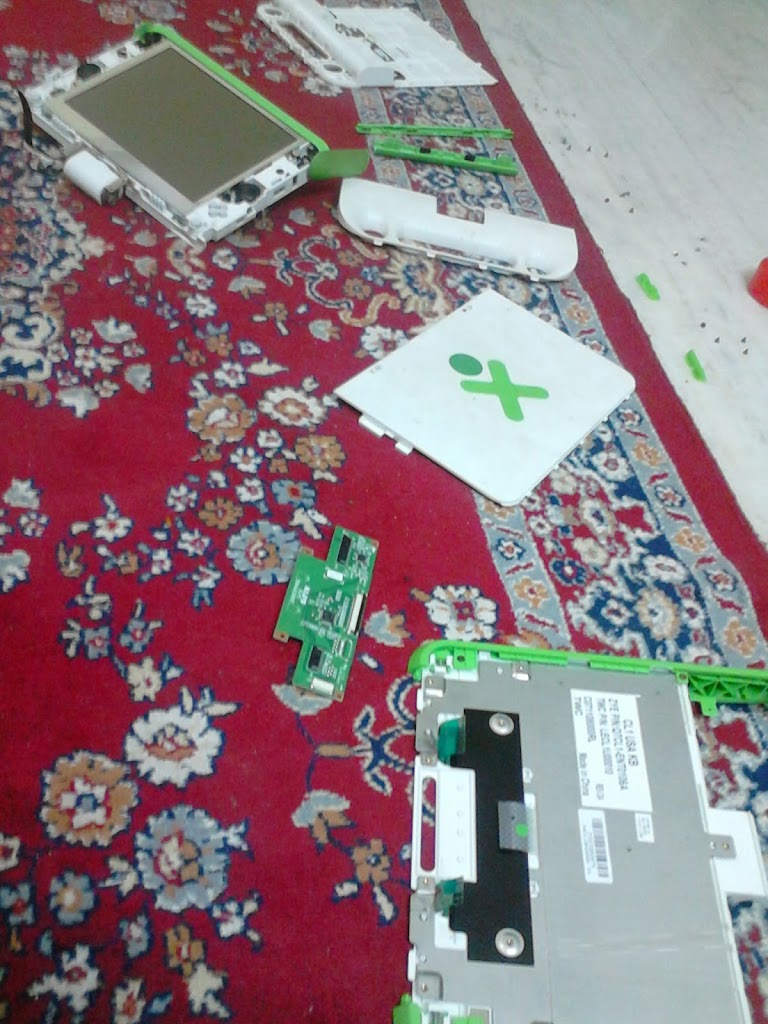
I got an OLPC XO-1 laptop in the initial Give One Get One offer they had at launch, and sadly did not use it much since then. I powered it on last week after ages and found that it was still in great shape, and is still a beautifully designed piece of hardware. I had problems with the touchpad since when I got it, so I thought it would be a good chance to take the box apart and see if I could fix it myself. I didn’t, but I did spend a fun couple of hours disassembling and reassembling it.

xo

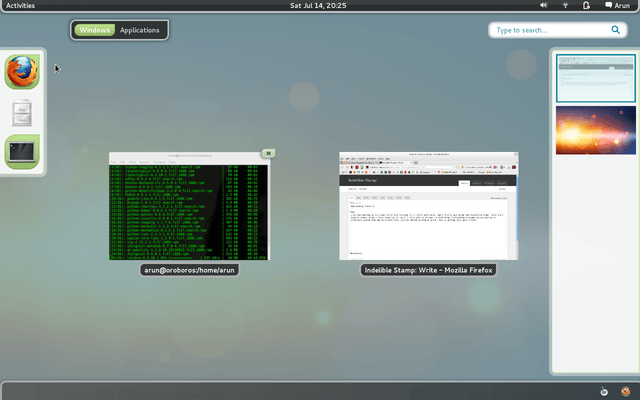
I also spent some time upgrading it, but hated the new Gnome. I spent more time (unsuccessfully) searching for the Settings screen than in installation. *shrug* The other things remain great: the monochrome display at lowest brightness is still great to view in sunlit areas, the OS is Fedora-based so good old yum exists for installing software, and there enough ports for SD and USB in case the humble 1GB hard disk is filling up.

etckeeper

Today I re-discovered etckeeper, which allows `/etc` to be version-controlled with a VCS (git in my case). I decided to spend some time figuring it out and stop worrying about messing things up each time I wanted to experiment with something. It also hooks in to the package manager during an upgrade or install, so that’s ones less thing to worry about.

etckeeper is written by Joey Hess, whose ikiwiki platform I’m already using to power this site. Check out his neat, minimalistic setup here. His blog is always an interesting read.

It took me less than an hour to figure things out the first time. Now I have a neat setup that runs itself: each change made to one of my dotfiles or configuration files automatically pushes the changes to the backup server and keeps it in sync.

Best of all, there is no lock-in with a third party provider, and no worry about unsupported platforms.

Uptime

Today I found out (from this tutorial ), that
Emacs has an uptime command of its own. Run `emacs-uptime` to see yours.

    
-UUU:**-Uptime.mdwn All L4 [0] (Fundamental)--Mon Mar 25 15:21---
7 days, 0 hours, 36 minutes, 31 seconds

Wine gets better with age

I got the latest Indie Royale bundle because it had Geneforge in it, and decided to try it out on Linux. I don’t get much time for gaming these days, and I prefer to play around with Linux on my laptop. I was earlier running Trisquel, and installed Fedora recently when they released Beefy Miracle. So I decided to see how well Wine was, which is something I haven’t used in nearly half a decade.

For old school gaming, Linux is pretty awesome. I tried a few games from GOG, and they pretty much worked out of the box. I now have the following neat games on Fedora:

  • Defender’s Quest
  • Fallout 1 and Fallout Tactics
  • Space Rangers 2
  • Jagged Alliance 2
  • Geneforge 5
  • Unepic

Who the hell has time for all this? I’ve started with Unepic, which looks lovely. TLDR: Wine is amazing.

Fedora 17

I’ve been meaning to try Fedora ever since they released version 17 recently, and I finally went ahead and reinstalled today. There isn’t much to report. Gnome 3 feels nice and stable on it, so I’ll stick with it for now. This link helped getting me quite a bit in getting setup post install.

Screenshot-from-2012-07-14-202536-50