Got a new VPS

I’ve noticed I’ve been pretty bored these past few months, and the most noticeable culprit has been the VPS that I stopped using some time back. I used to enjoy installing and trying out new web applications and servers. So I decided to get another one. This time I went with an OpenVZ server instead of Xen, and the provider I picked was Iniz, who I came across in this roundup at LowEndBox. The server is pretty neat, with 2GB RAM and 100GB of disk space. I’ve decided to go with CentOS, since I like Fedora/RedHat already.

It’s been a day since it was provisioned, and I feel the old skills returning: securing ssh, configuring iptables, installing postgres, setting up cron jobs, and so on. This blog will (as usual) probably be wiped out or moved to something on the server. Other webservices that I’ve been using (NewsBlur, Pinboard) will also probably move to self hosted equivalents (TTRSS, Shaarli).
Cleaning Up

So.. Prism was a wake up call. I’ve been looking to move to more privacy-centric sites for some time now, and this weekend I also decided to cut down on my spending at the same time. I’ve been spending close to $200 on my VPS, email hosting and domain every year. This seemed like overkill for a site that only I visited, although I found the VPS very useful for installing feed readers, analytics, and so on. Anyway, I couldn’t expect a transition to be completely pain free.

I’ve decided to cut back on services hosted in the US, so the VPS was the first to go. I’m now typing this on a free Gandi blog (who handle my domain already). I might switch over to a VPS at Gandi itself, once the dust settles down. The webmail was next: I have no complaints with Fastmail but I decided to move simply for reasons of cost. Gandi, again, has a simple mail service that I’ve switched to for now.

Both my VPS and email are paid up for a few more months so I can always switch back if the transition is too annoying. More importantly, I spent a few hours deleting my accounts in a ton of sites. Accountkiller was a very useful resource, as it tells you which sites require you to delete your data before removing the account, provides direct links to the account deletion page, and so on.

Playing with OpenShift

Openshift is a Platform As A Service offering from RedHat, and has been there for a while now. It never really came up in my radar for some reason. Fortunately I took a dive into it last week and have really liked the whole service so far.

I chose the free accounts of course, since I’m the only one who visits my own site and I really don’t need to scale to the point where I’ll need the premium offerings. The free plan comes with three small ‘gears’, which is a container that comes with 512 MB RAM and 1 Gig of space. Into this, one can slot a cartridge.. which is basically a stack for a Programming language like Perl, or a DB like MySQL.

sandbox

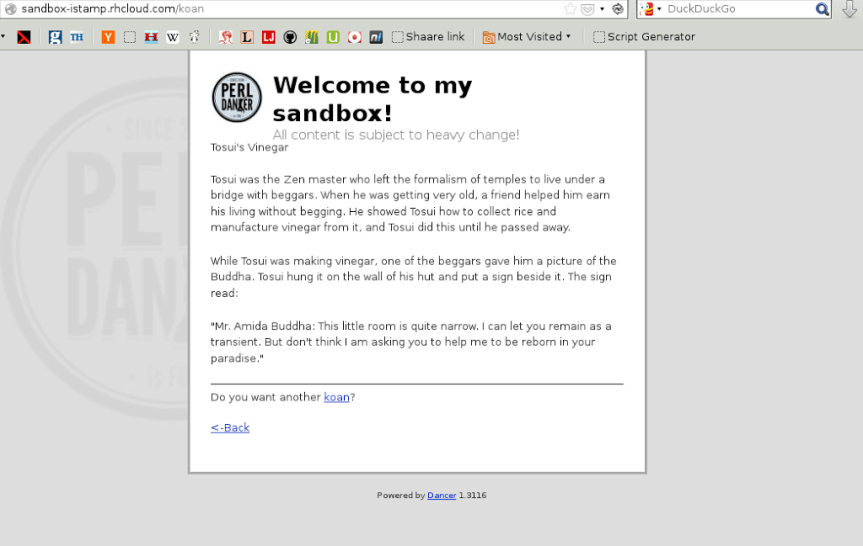
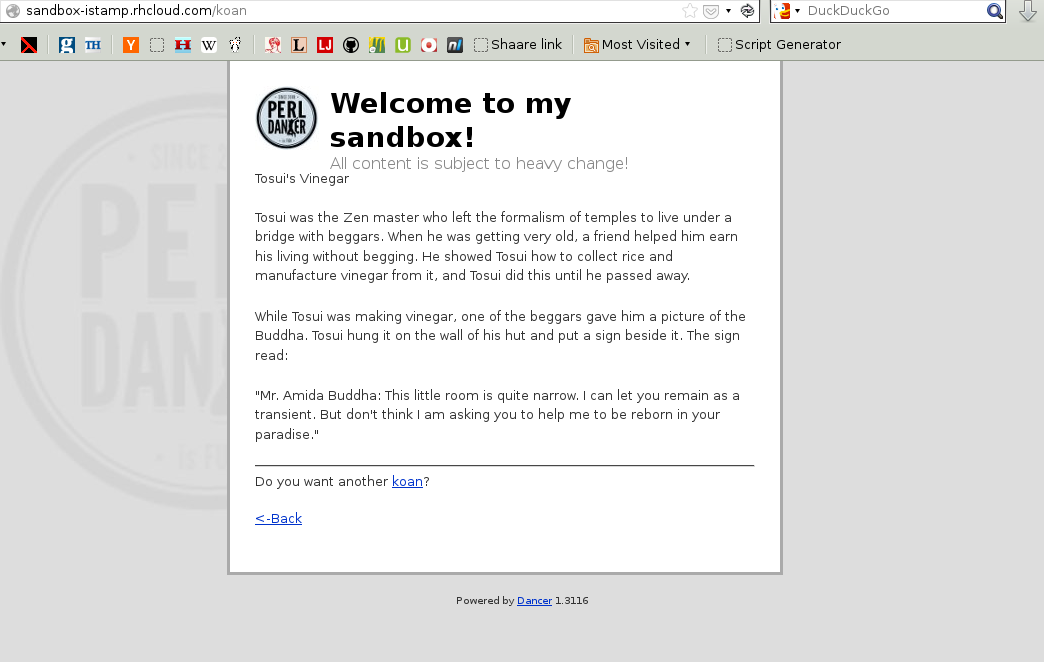
I’ve kicked off with just one gear for now: I’ve wanted to try out Perl Dancer and this was just the opportunity I was looking for. There were straightforward instructions in the OpenShift docs, and I had an application deployed and ready in just a few minutes post-signup.

I spent another hour or so figuring out how Dancer did it’s magic, and have made trivial modifications in the router, views and templates to understand things better. I have a PerlBrew setup locally. Together with cpanm, I can install stuff on my laptop that is in sync with what is deployed on OpenShift’s cloud.

Here then is my first foray into web application development. I don’t expect the content or the layout to stay the same for long. Currently I have used Zen::Koans to print a random koan each time a particular page is queried.

Quassel IRC

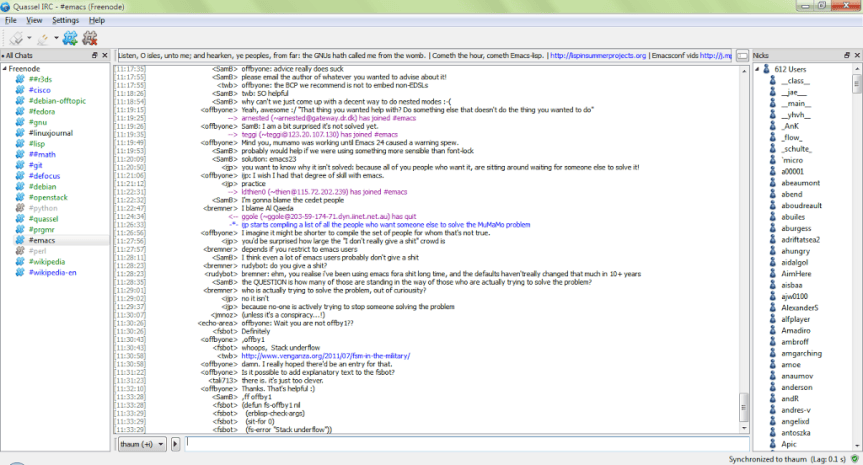
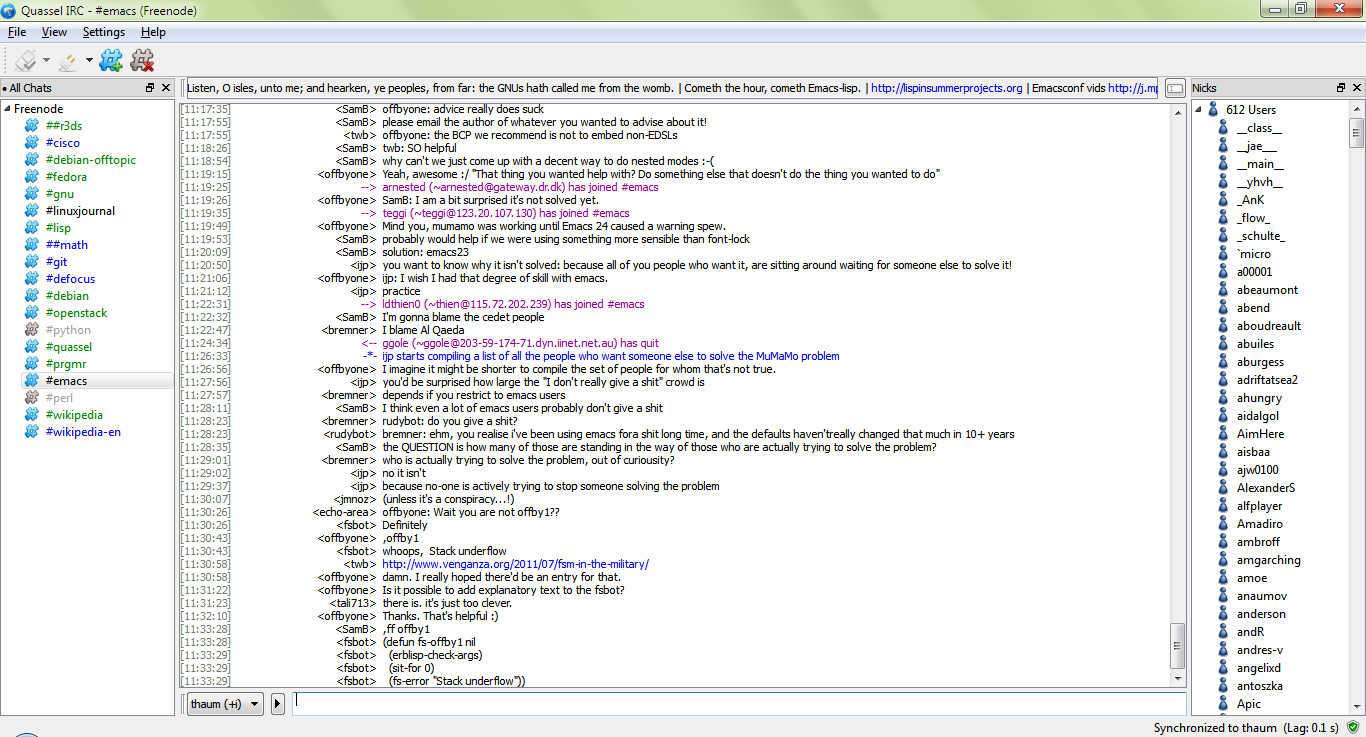
I’ve used IRC on and off in the past few years, lurking as always. The client has almost always been irssi, which I played around with again yesterday. I was happy to find an alternative, quassel that fit my self hosting, multi-platform needs even better.

Setup took about ten minutes. I only had to install quassel-core on my VPS. It’s a headless server that allows configuration from quassel-client, which you can install on GNU/Linux, Windows, or Android. The channels you join are maintained on the core, so you can disconnect and reconnect from any client and still see what went on in the interim.

quassel

The channels I’m currently browsing are somewhat high on traffic, so it is a tiny bit distracting. Anyways, I plan to use this for a few months and see if I pick up anything interesting to try out next.

Reader Alternatives

Google has announced that Reader is going to be shut down soon. Being an RSS addict, this doesn’t affect me much because I’ve spent a lot of my time trying alternatives all these years. RSS applications have a nice amount of interop between each other, since an OPML file is all you need to export/import your feeds. So it isn’t too hard to switch to an alternative. Here are some I’ve tried and approve of:

  • Rnews – Self hosted. This is still hosted on my website and is my go-to reader for relaxed browsing. It supports categories, is fast, and my favourite: does not have an unread count.

  • Newsblur – Web/Android. This is my current favourite. I liked it enough to cough up for a yearly subscription. It has a decent Android app, and can occassionally get flaky with some feeds, but is overall an extremely good application.

  • Google Currents – Android. This is a google service, so be warned :) I put this is because it caches articles offline, so it is my favourite for offline browsing in my cab every day.

  • rss2email – Self hosted/Email. I love both email and rss so this is the best of all worlds. You run this python app as a cron job and add a few feeds to it. Periodically, you get an email each time a feed is updated. I use this for low-traffic feeds.

**Update**

  • TT-RSS – Self hosted/Android. This is actually the one I’ve settled with now. rss2email continues to mail me on low traffic sites, but for heavy, daily usage, ttrss beats all the others by a mile. It is self hosted, has an android app that is well worth the little it costs, and doesn’t have annoying delay that newsblur does whenever a folder is loaded.

Bookmarks now on Pinboard

This week I stopped using my local bookmarking tool (Insipid), and moved over to Pinboard. I’ve heard extremely good things about it over the years, and their blog is always a fun read. I like their pay-for-use, non-ad-supported model as well.

The pros: the site is functional, and fast. The antisocial, private bookmarking focus is a great plus. My import worked smoothly, except that the tags weren’t showing up initially. They did pop up a day or so later, so no harm done. There seems to be nice integration with other sites like Readability and Twitter, where Pinboard auto-pulls the links in them and tags them unread. Nice. The bookmarklets work as expected, worth noting is the ‘read later’ one which silently saves the current page without getting in your way with a popup window.

The cons: Nothing comes to mind really. I’ve not used it enough to have any real complaints, but I’d like to see how good the search is some day when I’m searching for something that’s on the tip of my tongue. Overall the site comes hugely recommended.